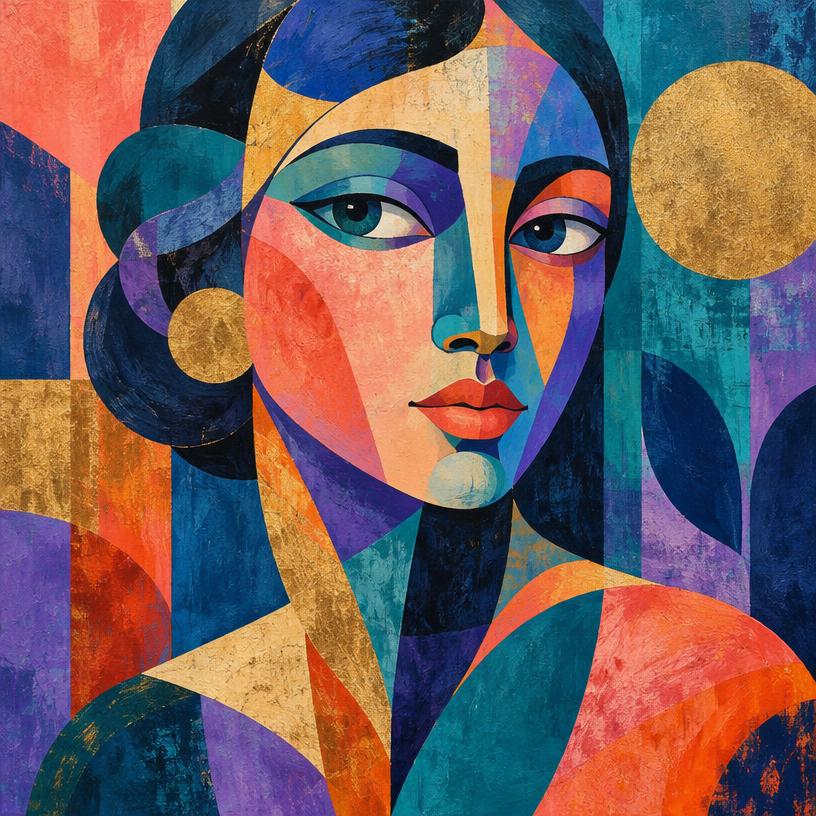
 IDEA → IMAGE
01 / CREATE
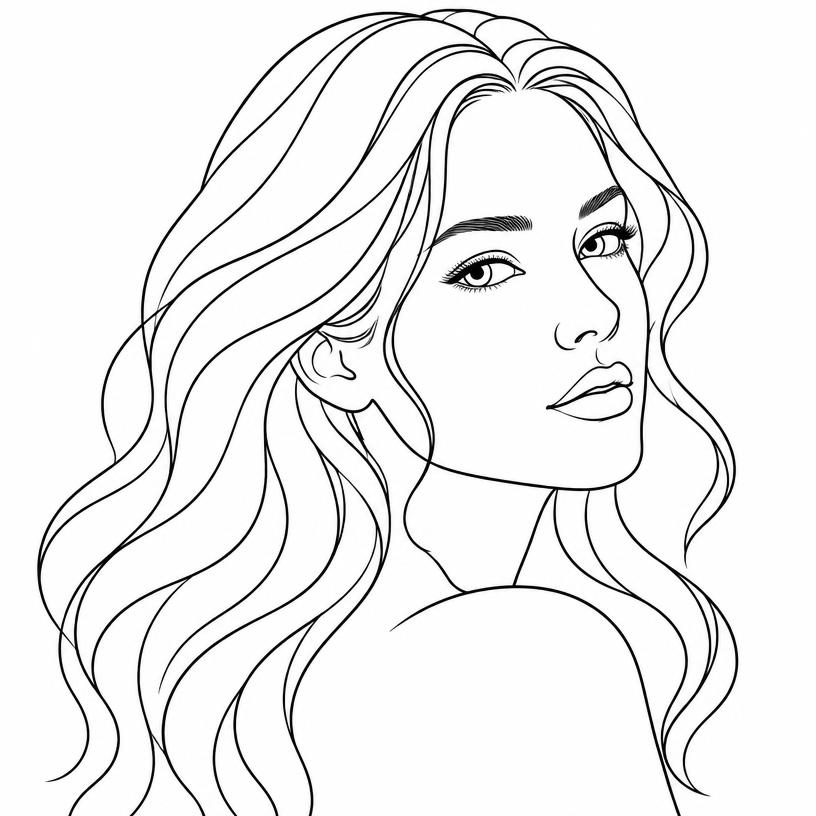
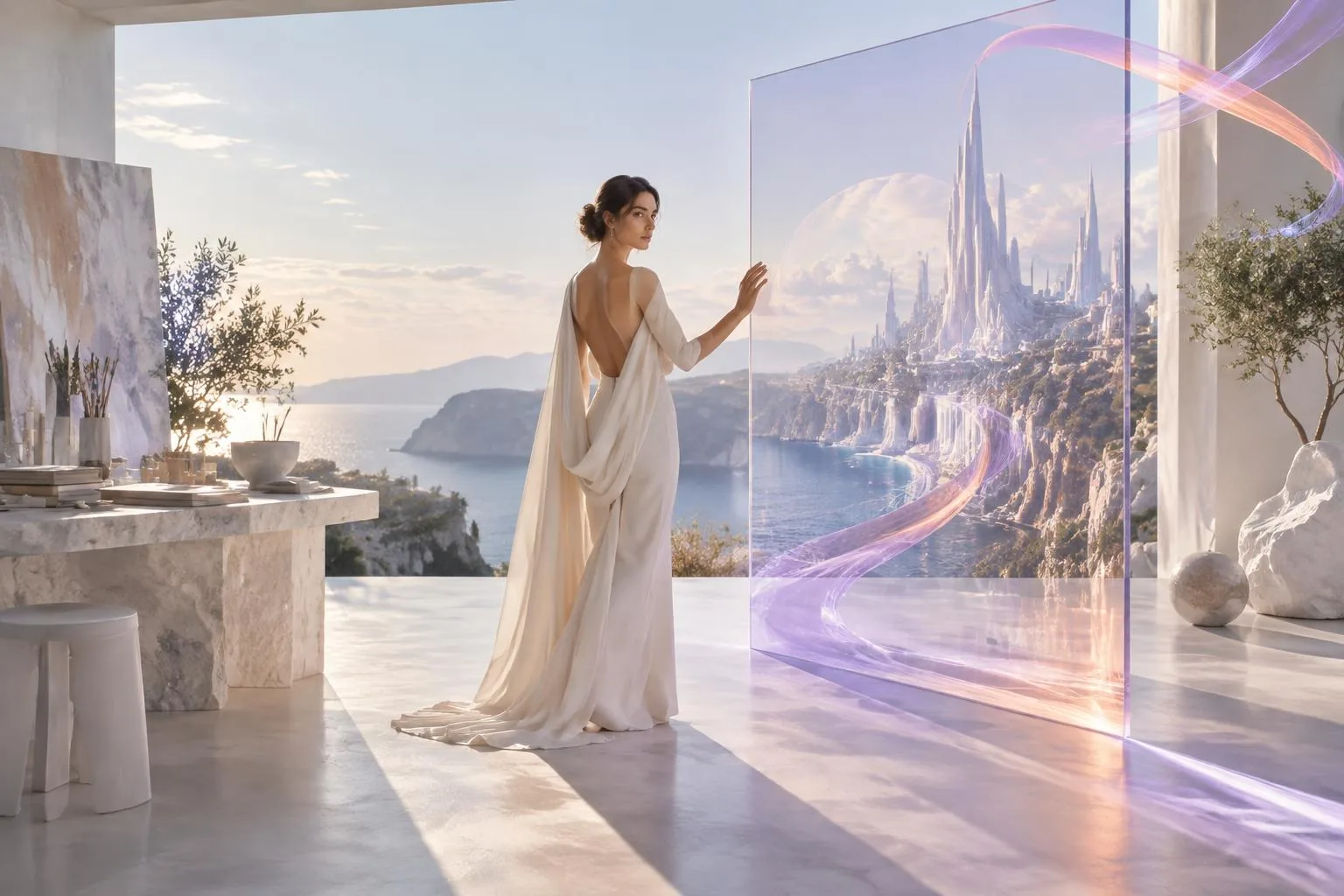
Text to Image
Create from your imagination.
Describe anything you can imagine and generate original images with AI.
Photorealistic scenes · Portraits · Landscapes · Illustrations · Concepts
AI Creation, Elevated
Create images from imagination, transform your photos with AI, and turn your favourite moments into artwork — all in one creative studio.
ArtSide is currently in beta — we're actively improving the platform and adding new creative capabilities.
Create • Transform • Refine • Save • Print
THE POSSIBILITIES
Whether you're starting with an idea or an existing photo, ArtSide gives you the tools to create something uniquely yours.
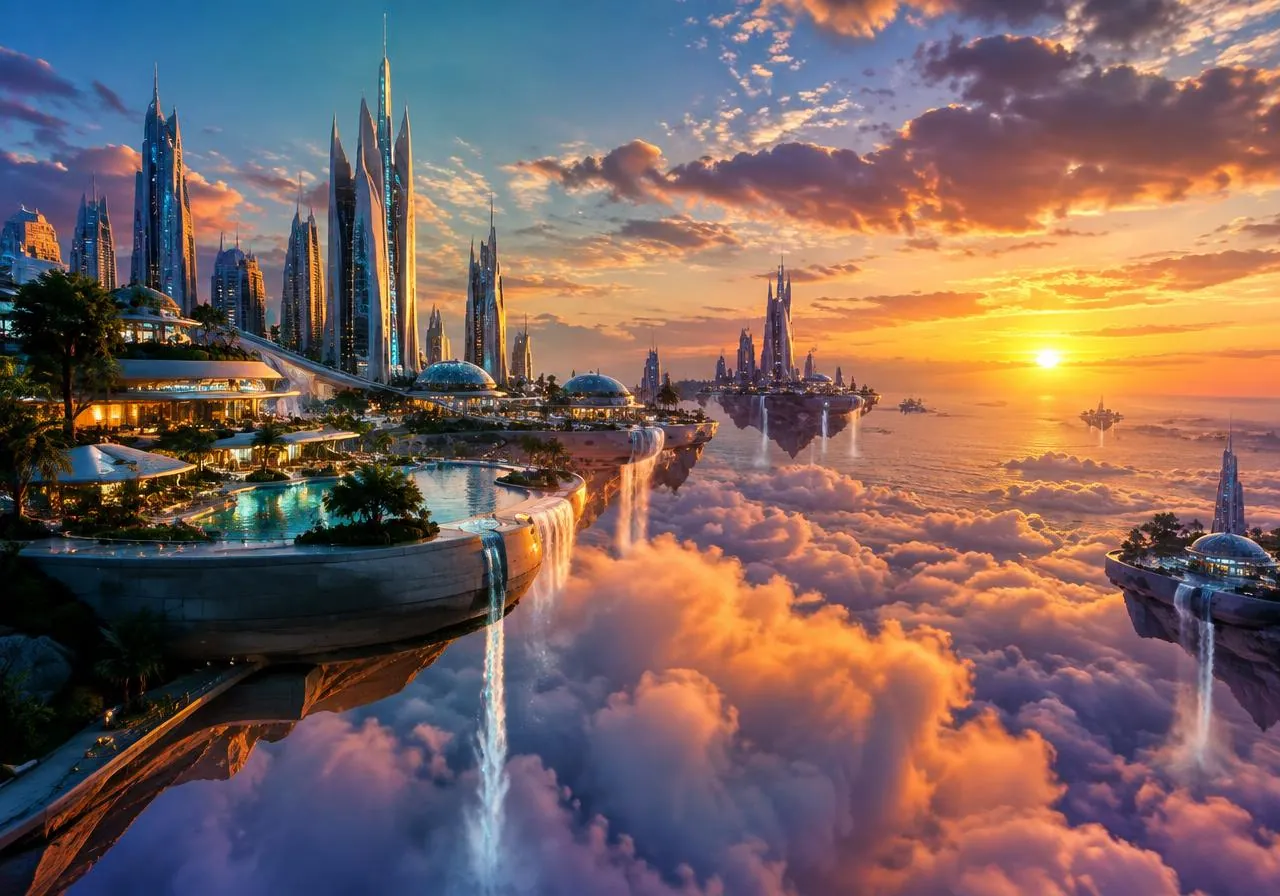
IDEA → IMAGECreate from your imagination.
Describe anything you can imagine and generate original images with AI.
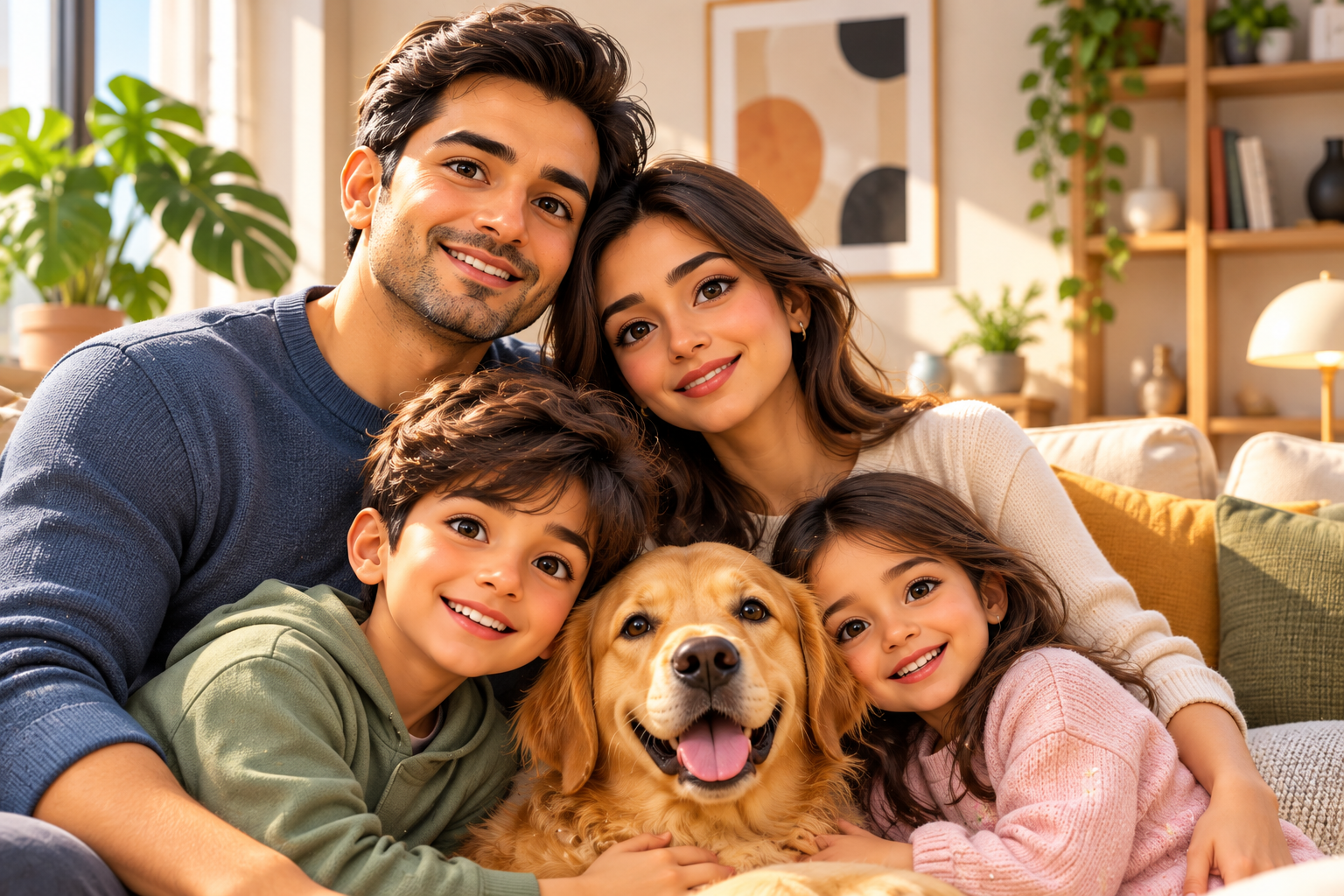
Photorealistic scenes · Portraits · Landscapes · Illustrations · Concepts
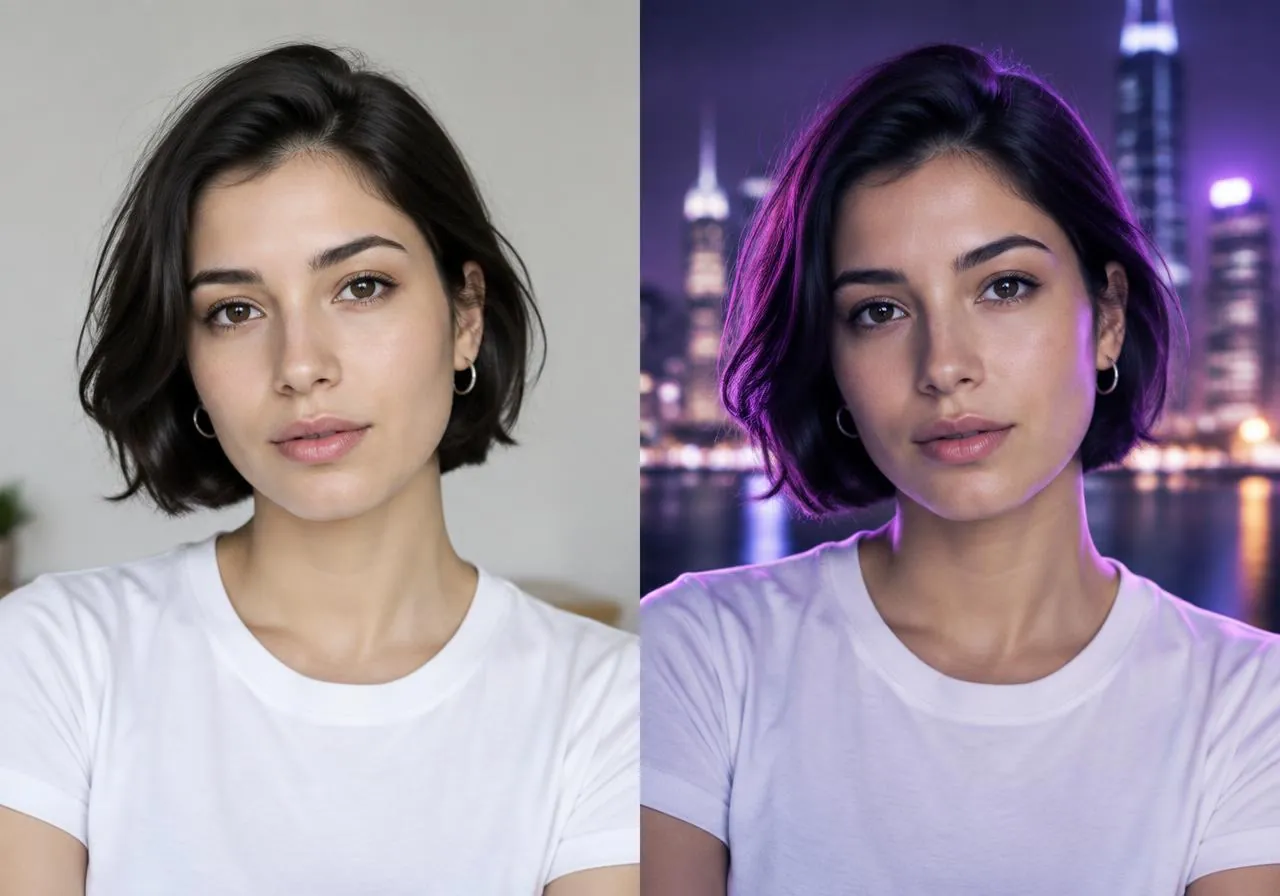
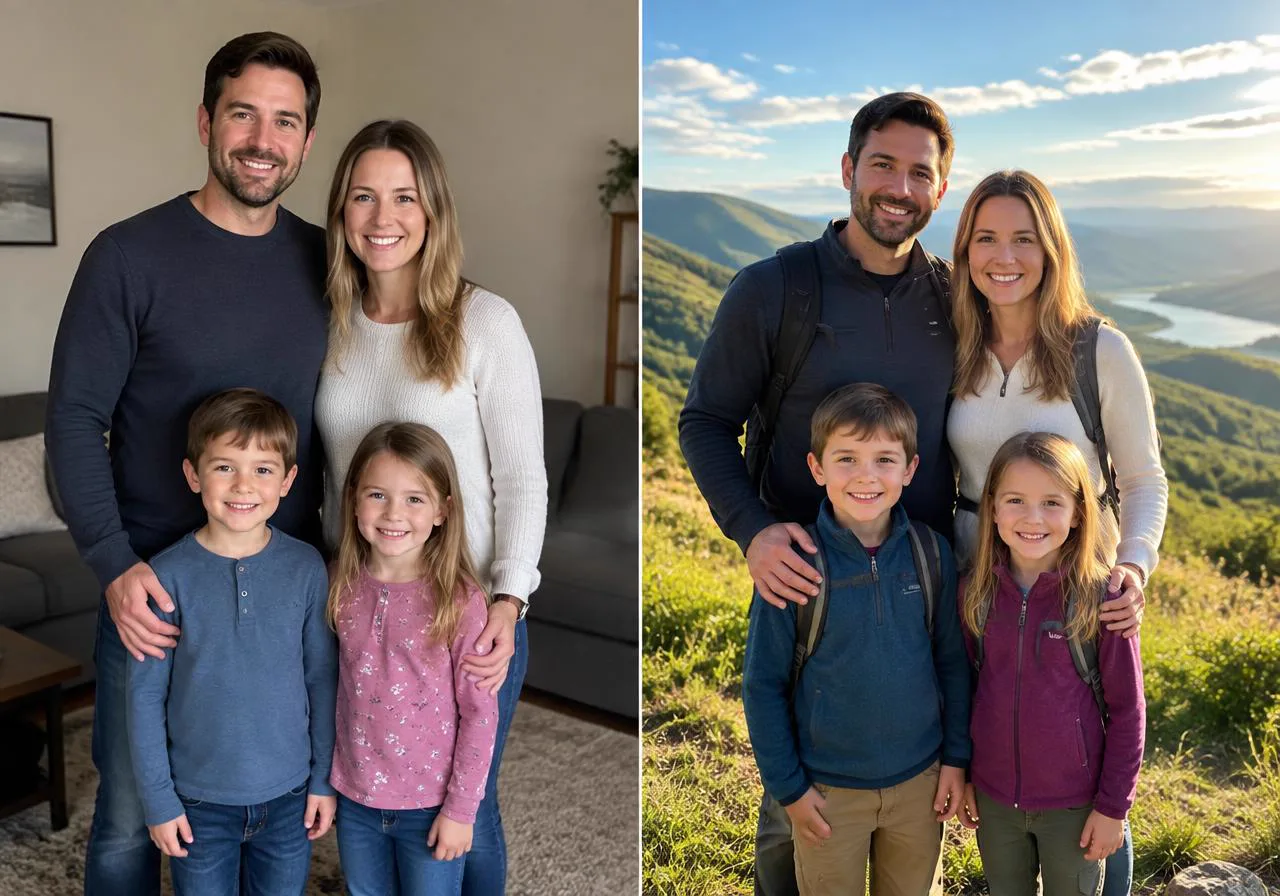 PHOTO → NEW IMAGE
Transform what you already have.
Upload a photo and tell AI how you want to change, enhance or reimagine it.
New backgrounds · Portraits · Cinematic scenes · Creative transformations
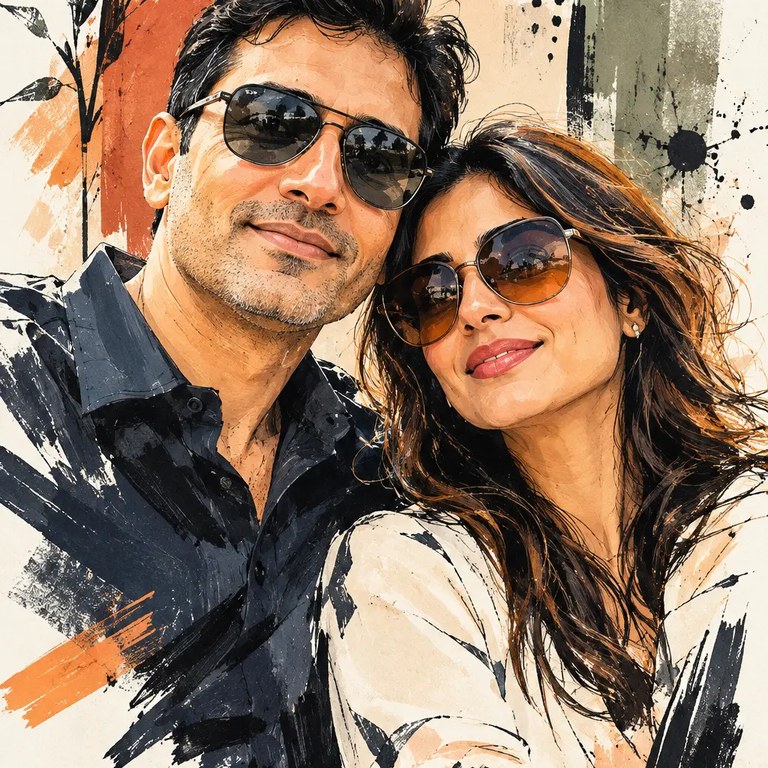
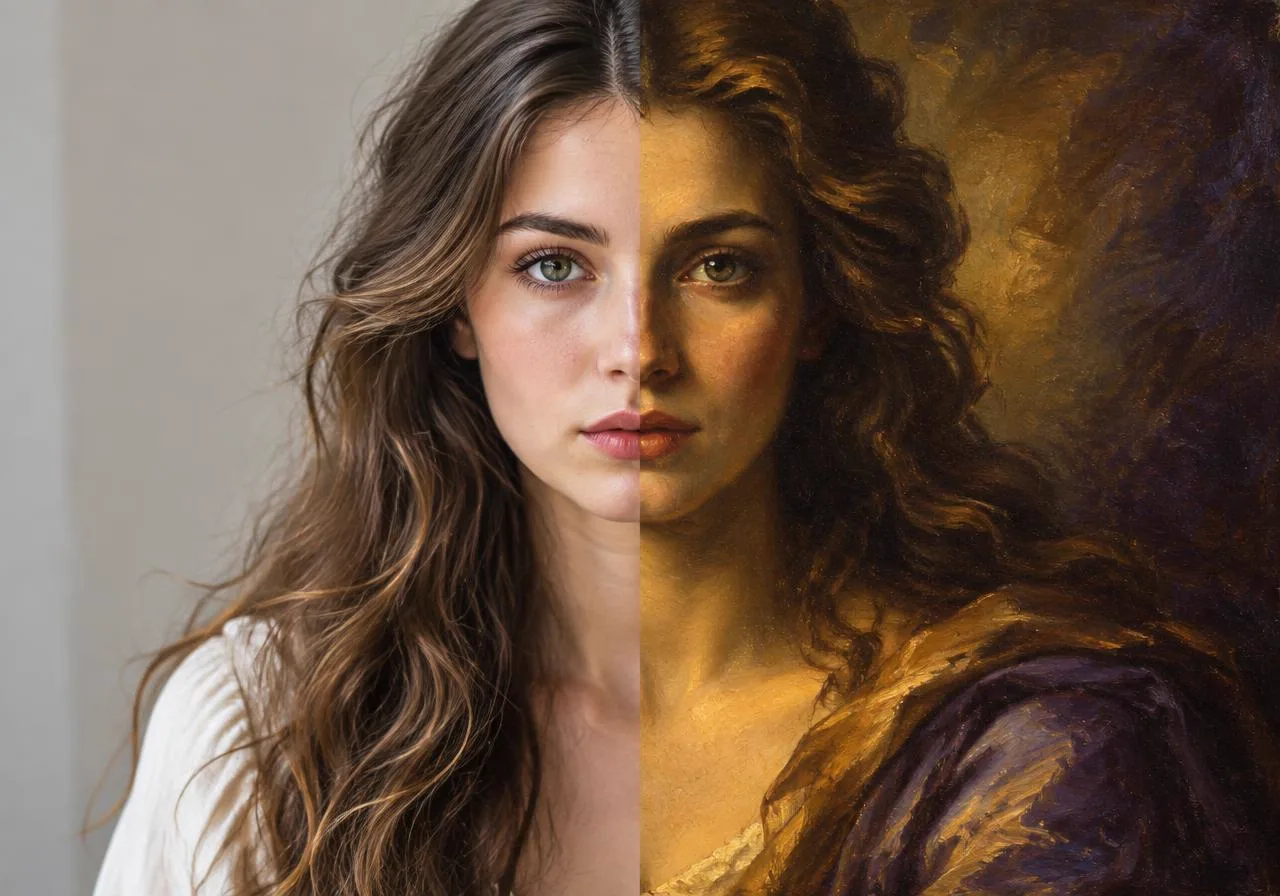 PHOTO → ARTWORK
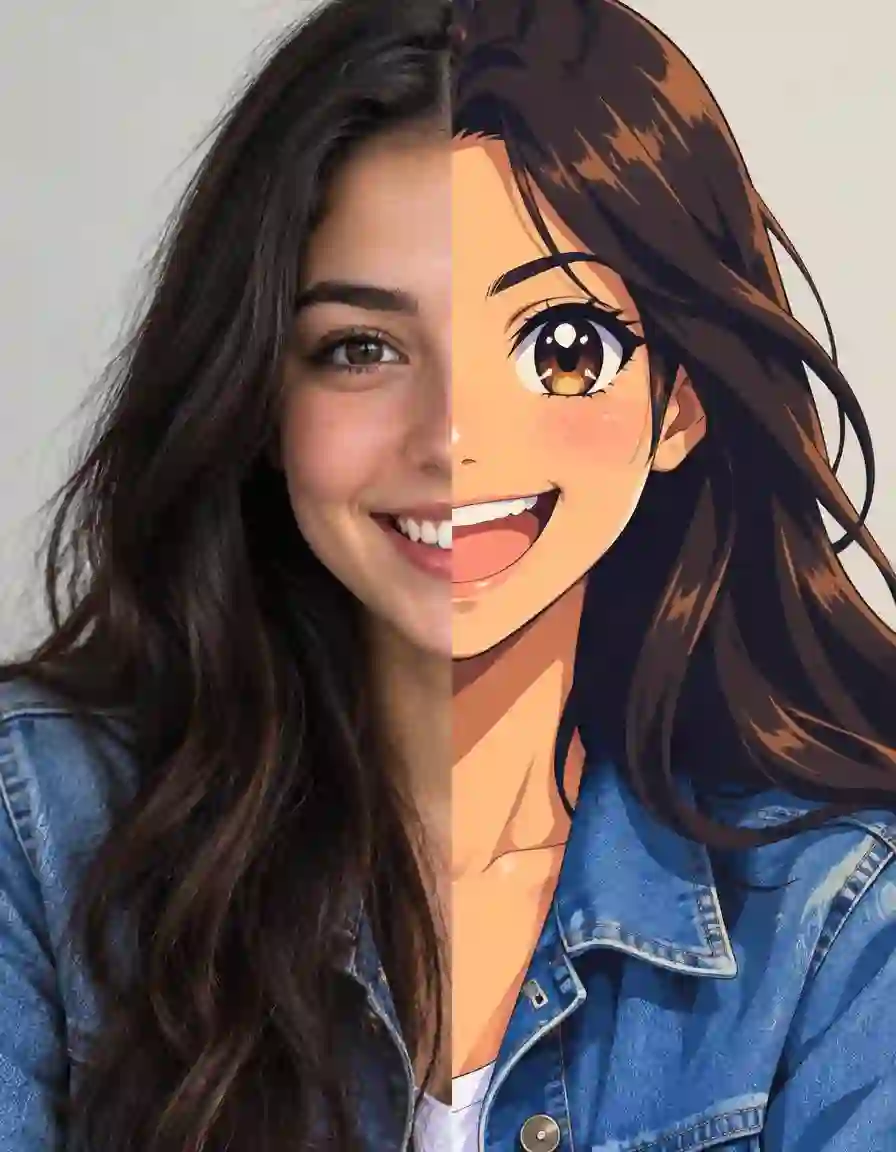
Turn your photos into artwork.
Transform your favourite photographs into distinctive artistic styles.
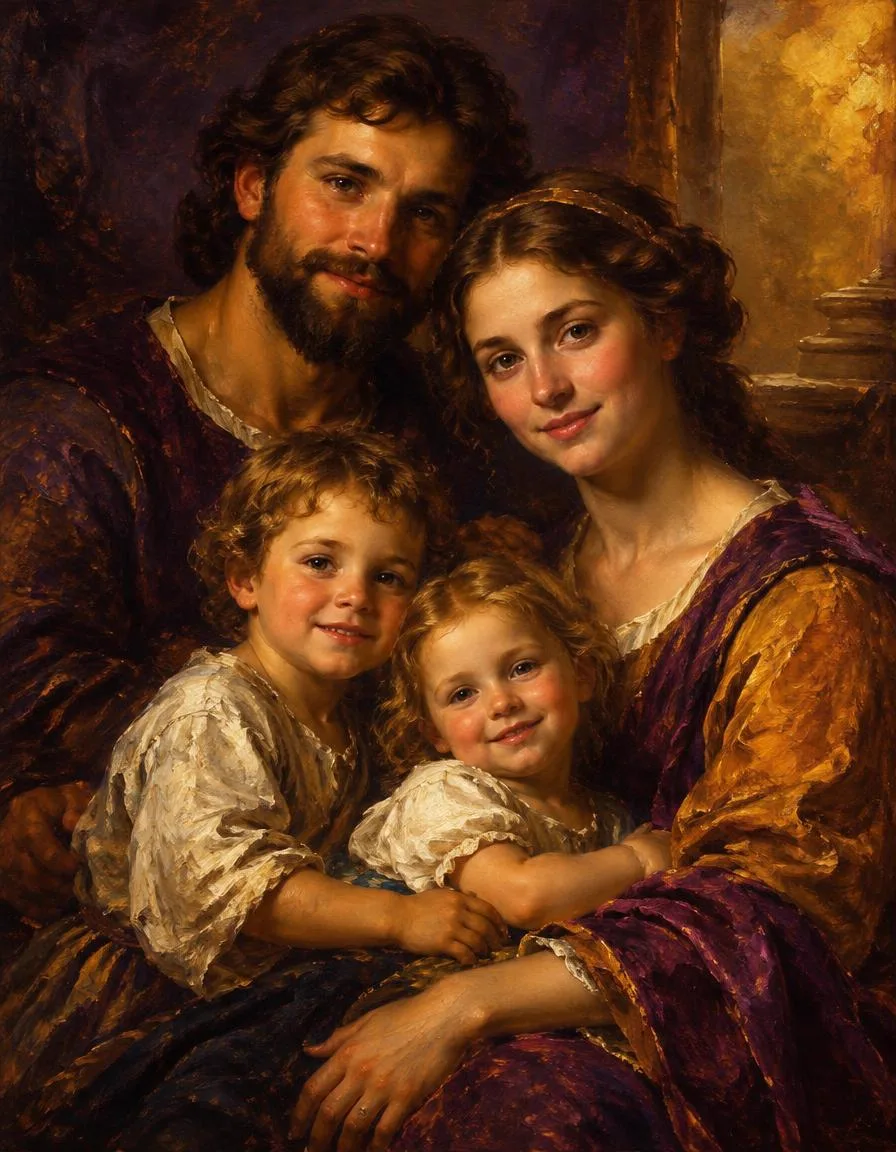
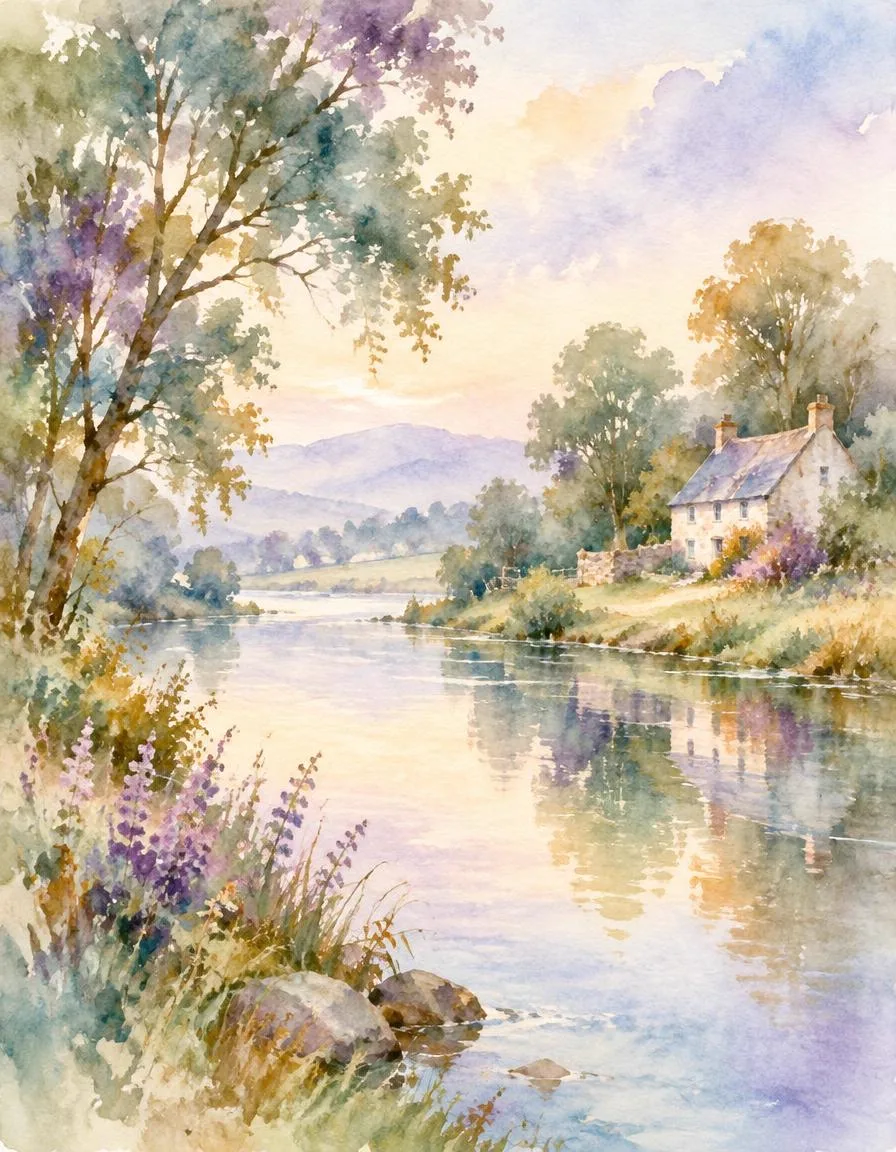
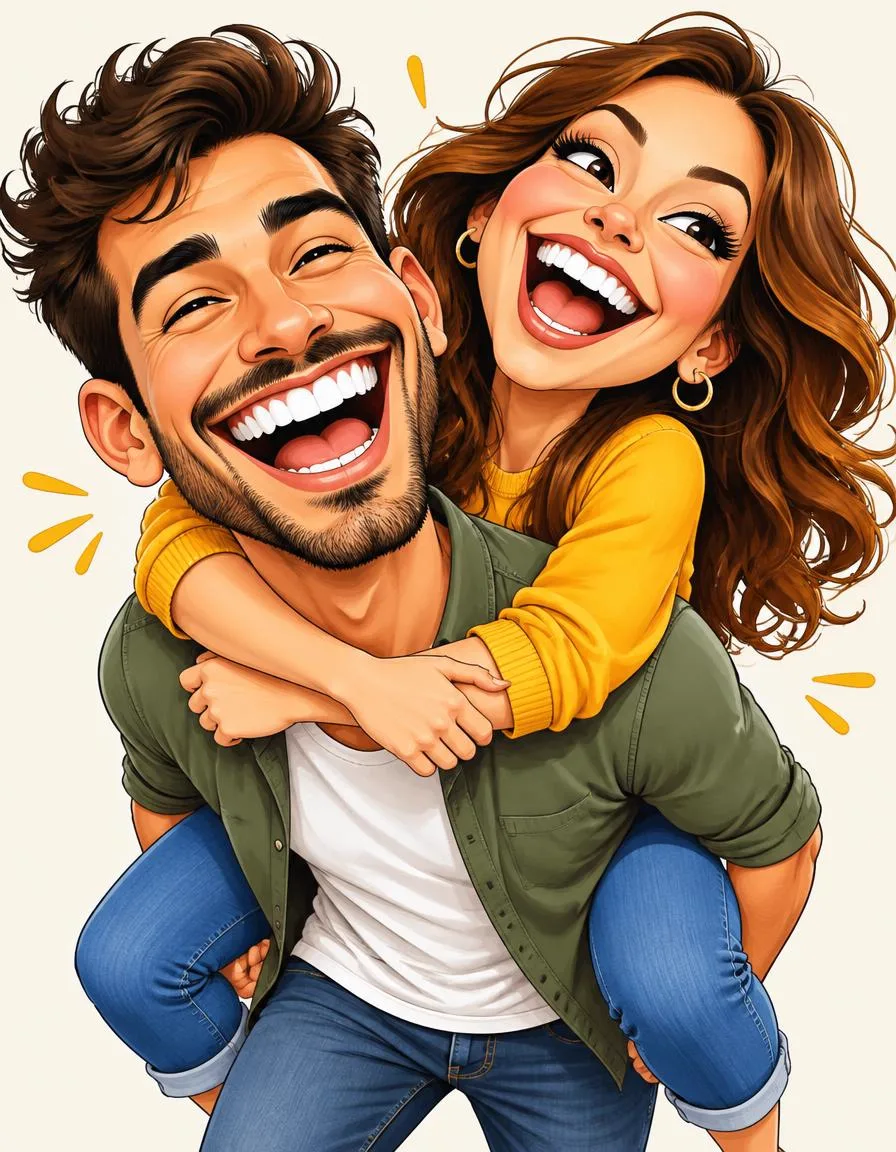
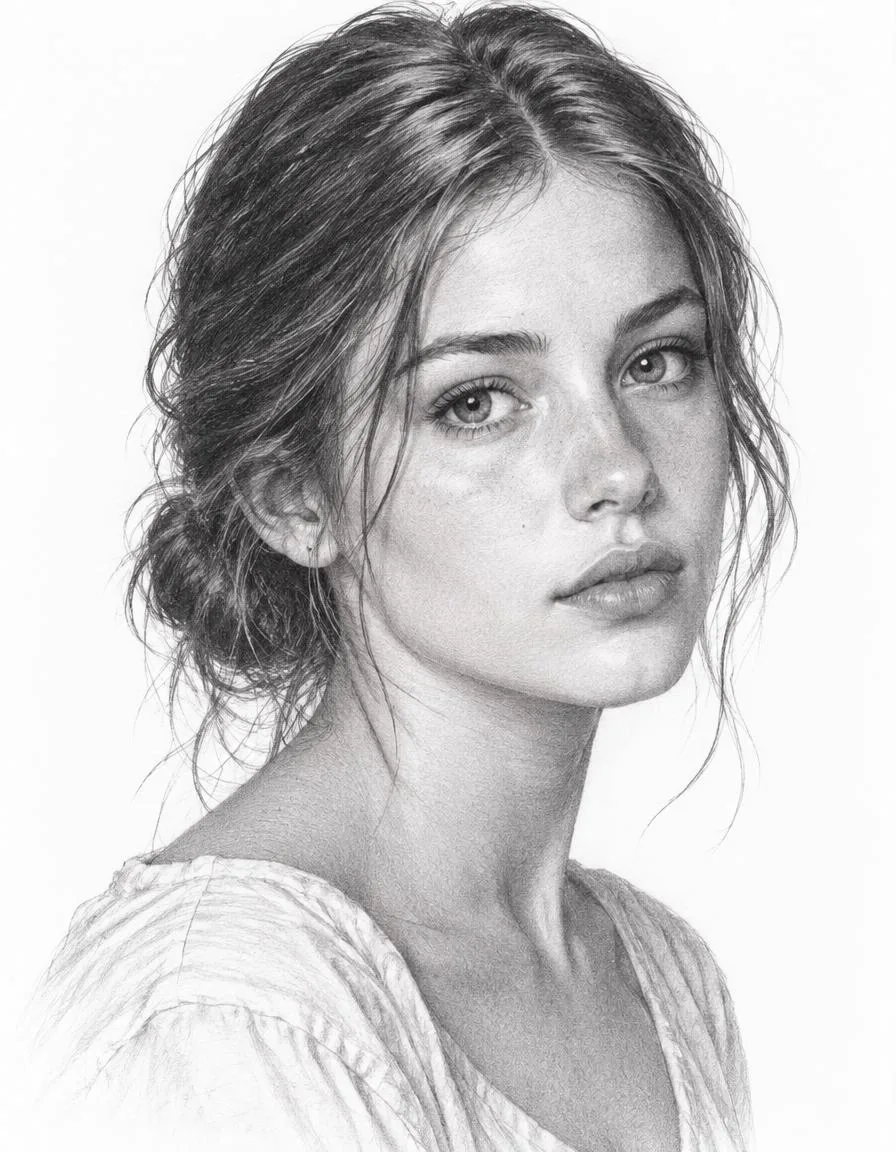
Oil Painting · Anime Style · Water Colour · Caricature Art · Pencil Sketch
ART
Transform your favourite photographs into beautiful artwork with expressive AI styles.
PRINT OR FRAME WITH MYARTLANE
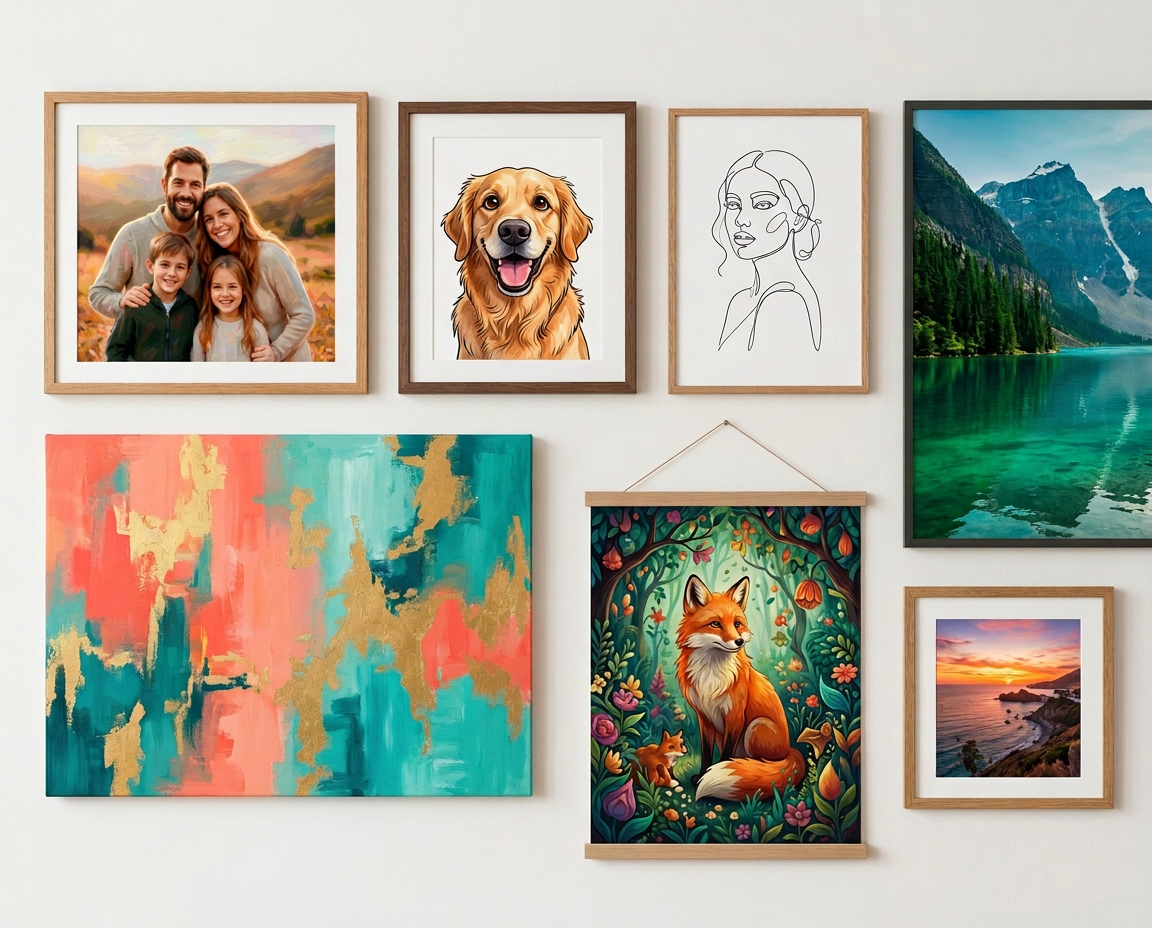
Turn your favourite ArtSide creations into professionally printed and framed wall art through MyArtLane.
DIGITAL CREATION → PHYSICAL ART
Create and save an image, then choose “Order Physical Frame” in your Gallery to check print readiness and continue to MyArtLane.
REFINE
Create your image, then use AI Brush to make targeted changes and refine the details that matter.
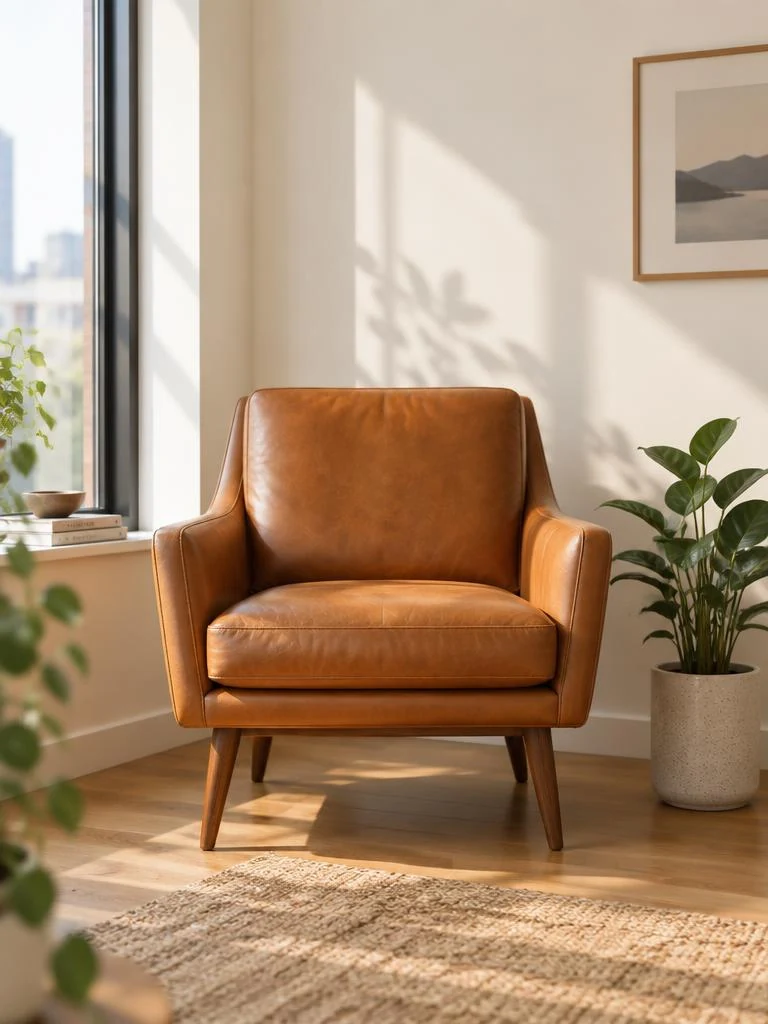
ORIGINAL
BRUSH AREA
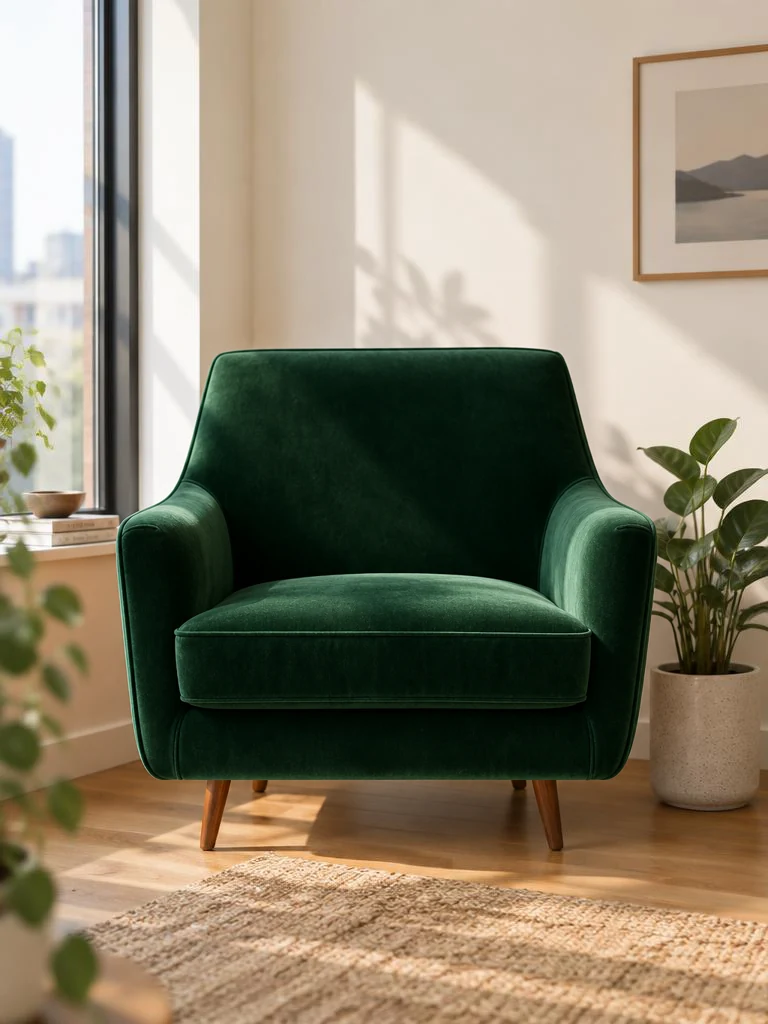
EDITED RESULT
YOUR SPACE
Keep your AI creations organised in your private ArtSide Gallery. Save, download, refine or turn your favourites into physical wall art.
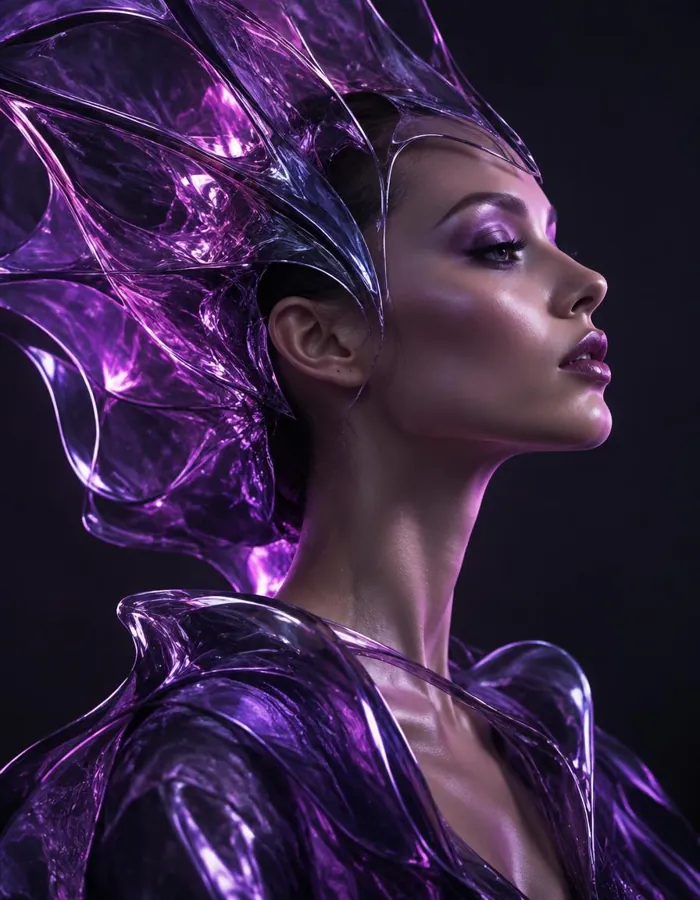
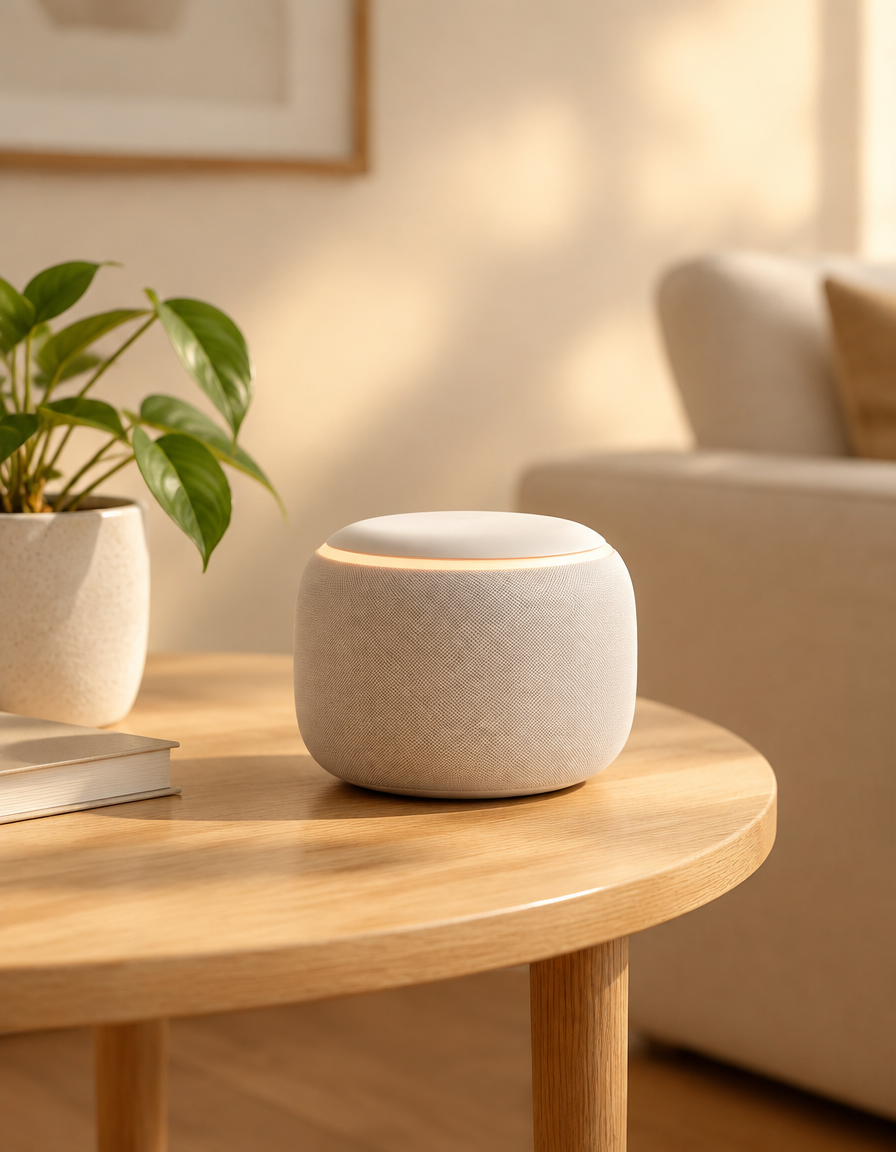
VISUAL POSSIBILITIES
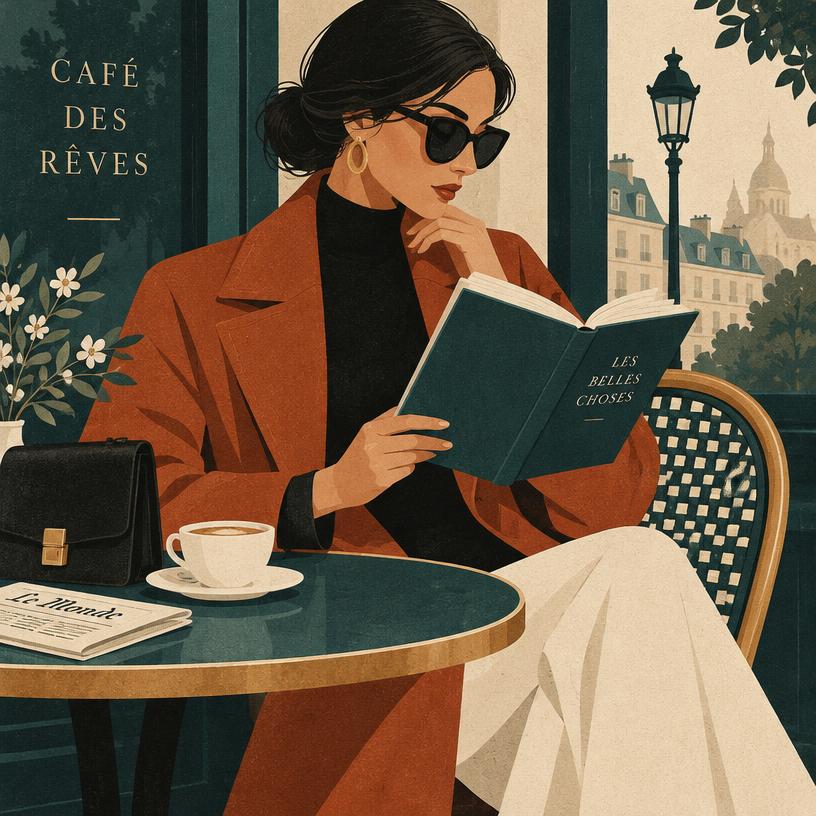
From realistic photography to imaginative artwork, ArtSide gives you the freedom to create across styles and possibilities.
 Photorealistic
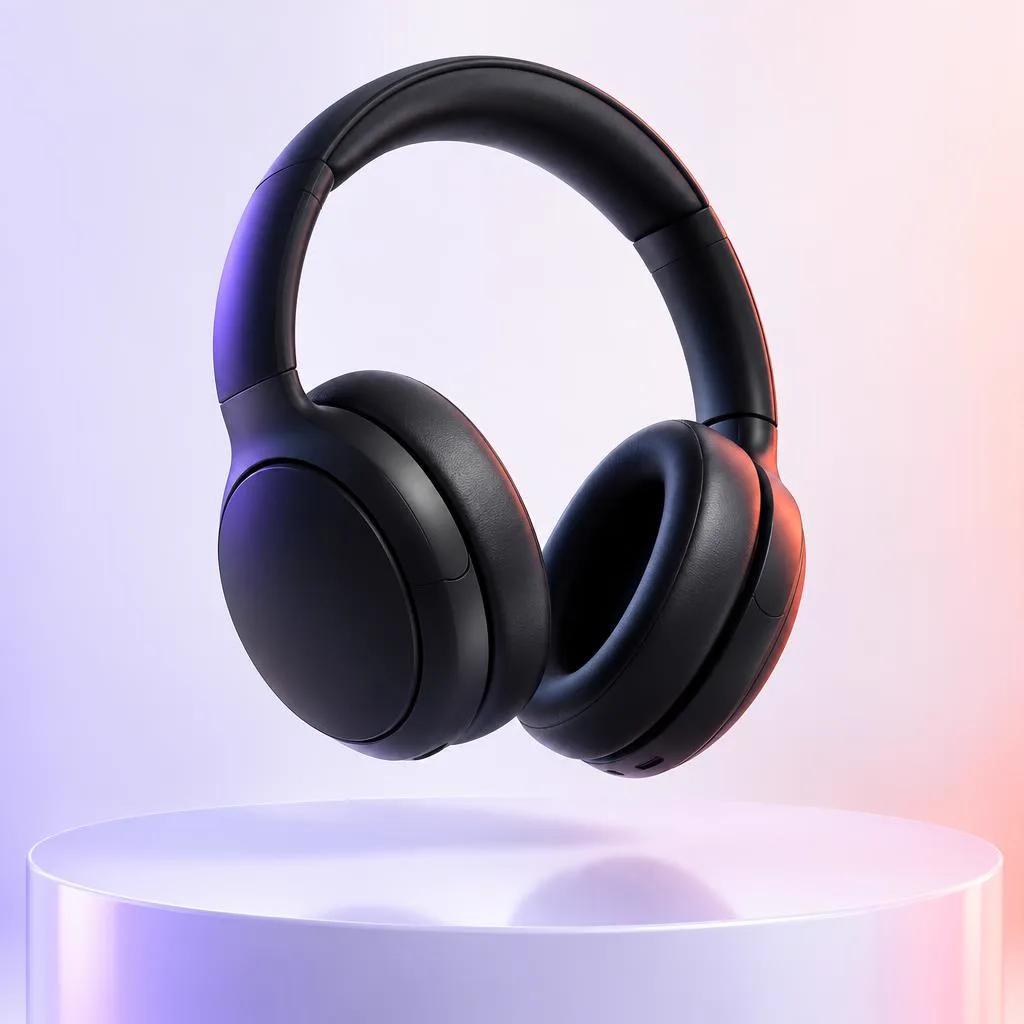 Product Images
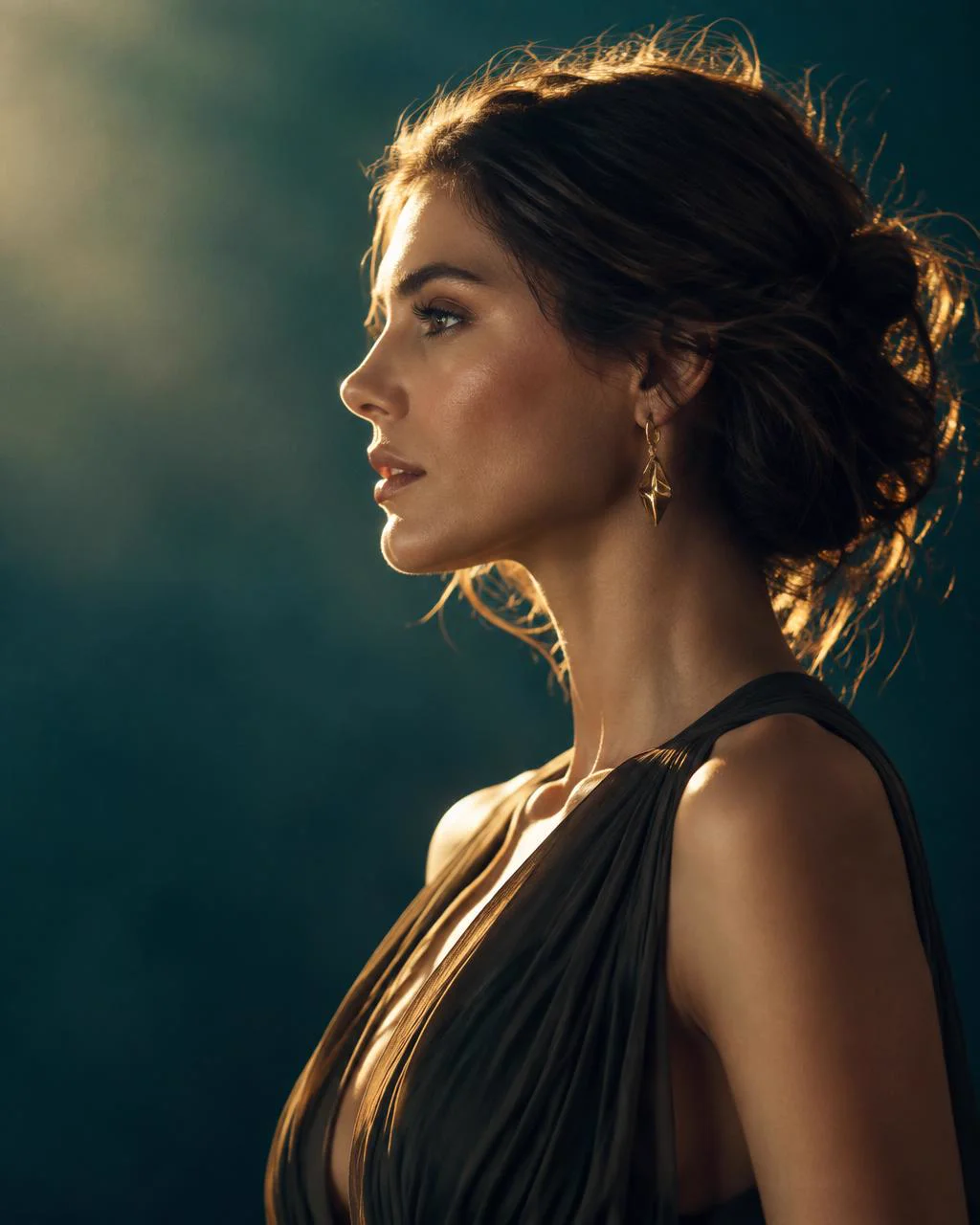 Portraits
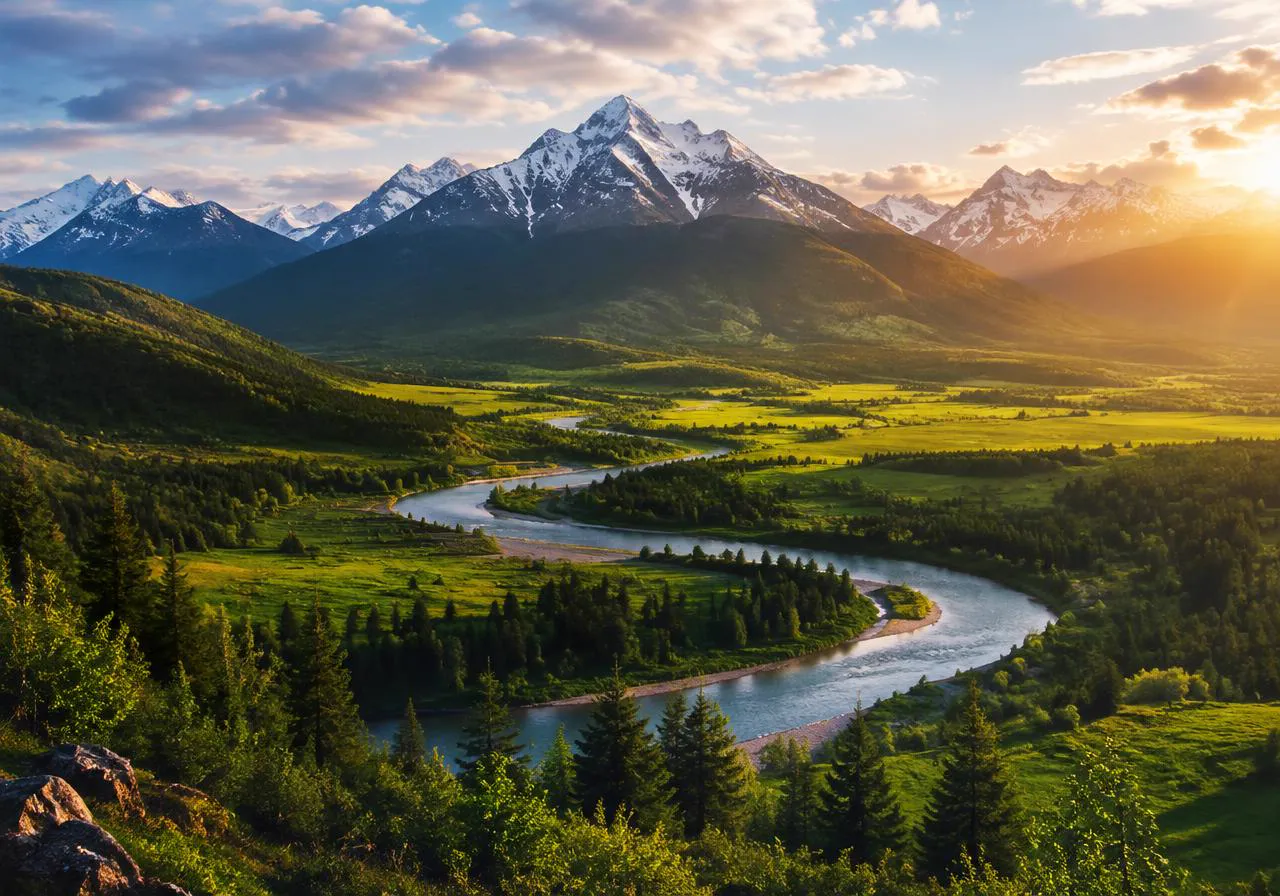 Landscapes
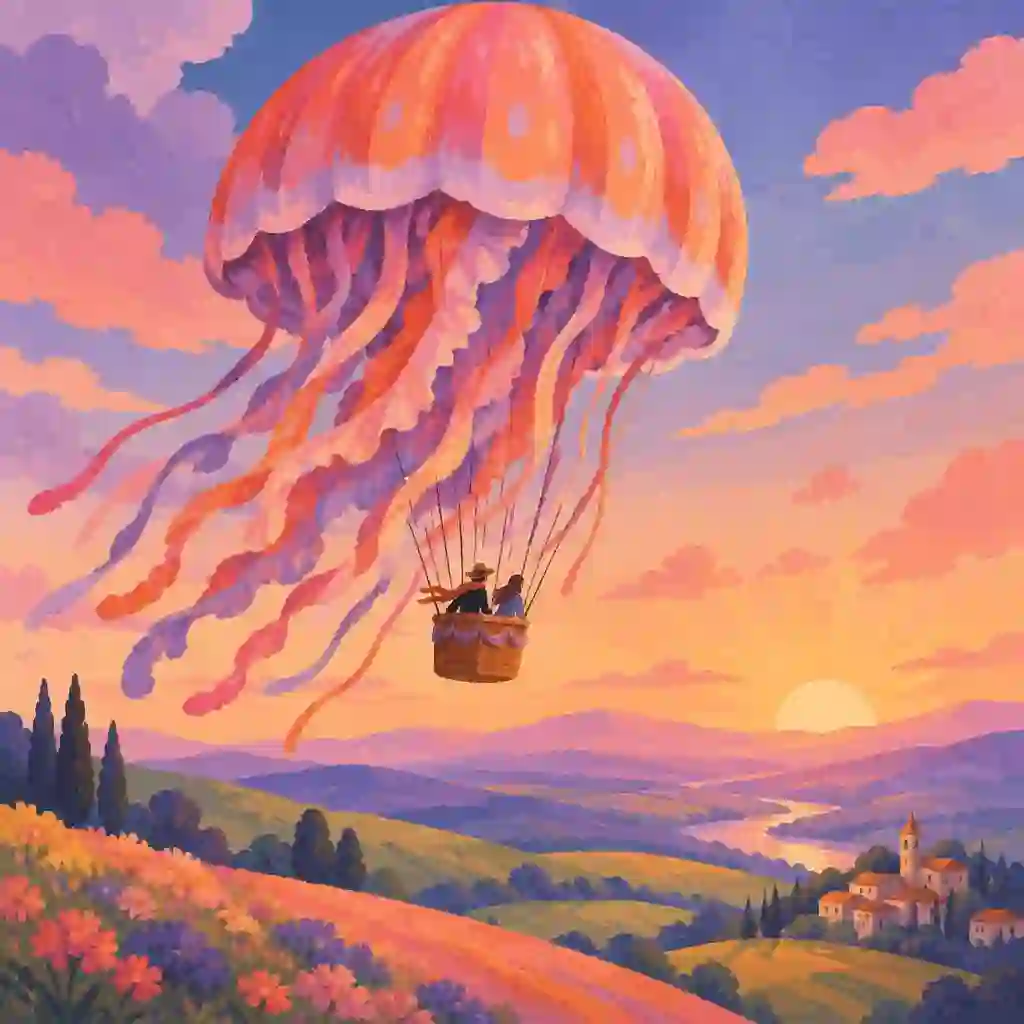 Illustrations
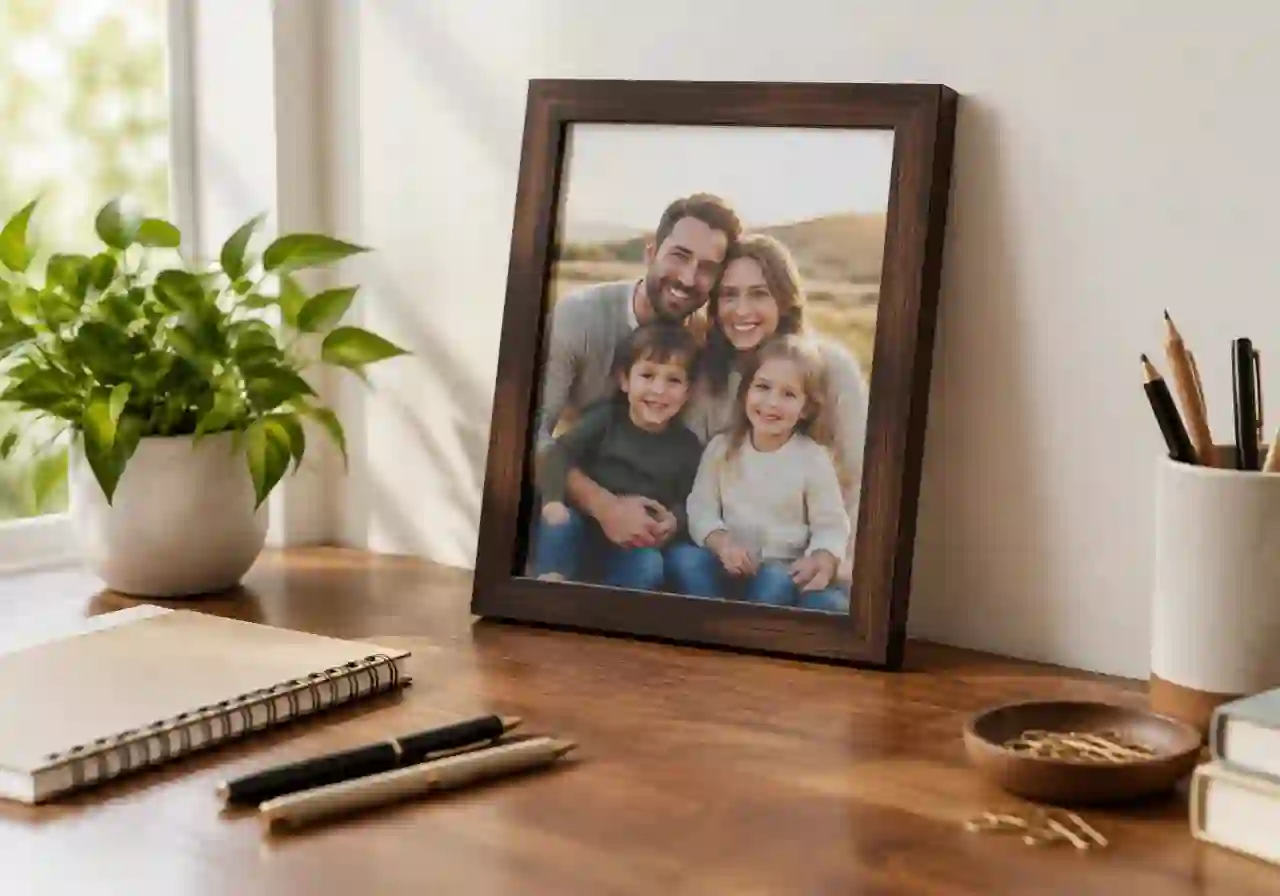 Mockup Images
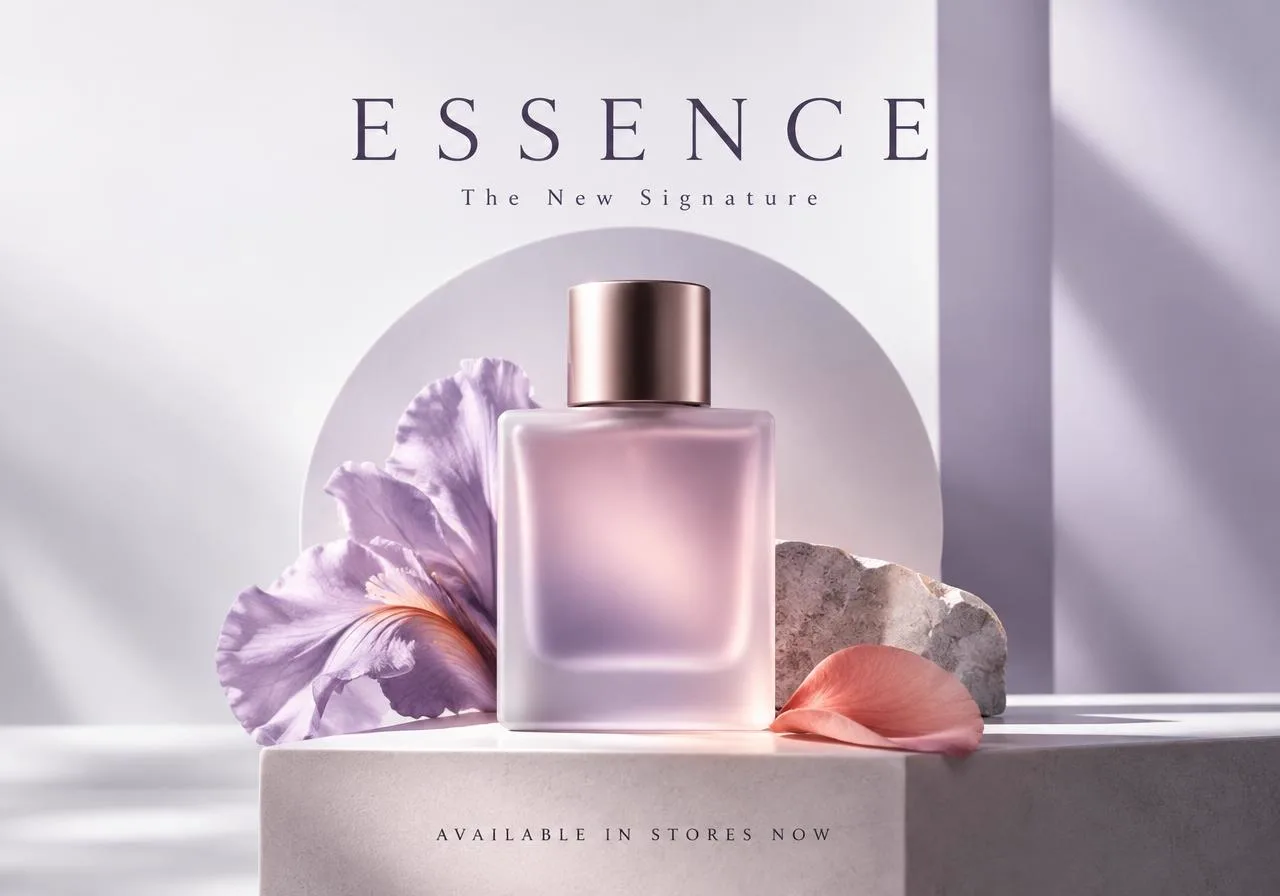 Advertising CreativesCreative Scenes
Explore AI image creation, photo transformation and photo-to-art tools before paid plans launch.
10 FREE CREDITS
Your remaining Beta credits and expiry date are shown in your account.
Paid plans and credit packs are planned for after Beta — see what's coming on the pricing page.
ANSWERS
ArtSide lets you create images from text, transform existing photos with AI, and turn photos into artwork. You can also order a print or frame any of your creations with our print partner MyArtLane — just click "Order Physical Print" on your created image or in the Gallery. This will take you to the MyArtLane site to complete the order.
Upload an existing photo and describe how you want AI to transform, enhance or reimagine it.
Photo to Art is designed for turning photographs into artistic styles including Oil Painting, Anime Style, Water Colour, Caricature Art and Pencil Sketch.
Yes. Save creations to your private ArtSide Gallery and download them, subject to your plan's limits and terms.
Select a creation in your Gallery and choose Order Physical Frame. ArtSide checks print readiness before connecting you to MyArtLane for printing and framing.
Text to Image costs 1 credit per image, photo edits and AI Brush edits cost 2 credits, and Pro images cost 5 credits. New accounts receive 10 credits valid for one month; paid plans include monthly credits, and credit packs are available on the pricing page.